
Nov 3
Add the possibility of adding weekly targets
Add the possibility of adding weekly targets and view the bar divided in weekly.
Completed
Done! You can now set a weekly, monthly, or yearly target for your category. A category with a weekly target will vary the total amount needed for that month. This is because you can have either 4 or 5 weeks in a month. Example 1: I have set a Grocery target of $100 every Sunday. There are 4 Sundays in November. Total needed for the month is $400. Example 2: I have set a Grocery target of $100 every Saturday. There are 5 Saturdays in November. Total needed for the month is $500. Rollover: you'll see a new toggle for Rollover in the Target screen. A target with rollover turned on will use any unspent dollars in the previous month to help fund your target for the current month. Example with Rollover turned ON: You have a Grocery target of $400 every month. If you spend $350 in November, you will have $50 left over for December. So, in December you only need to "top-up" another $350 to reach your $400 target. Calculation for target: [Target Amount] - [Left over from previous month] = [Amount needed] $400 - $50 = $350
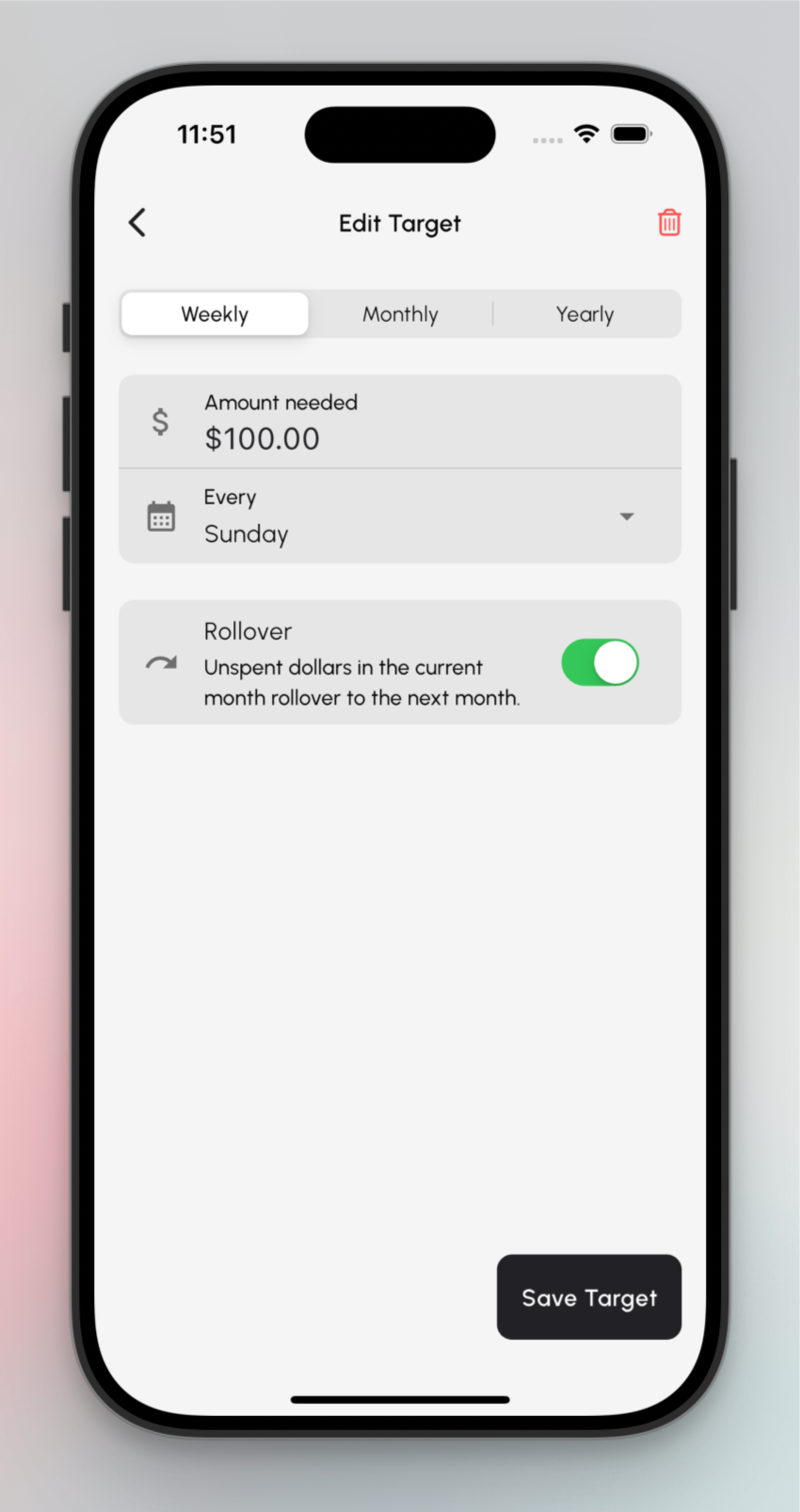
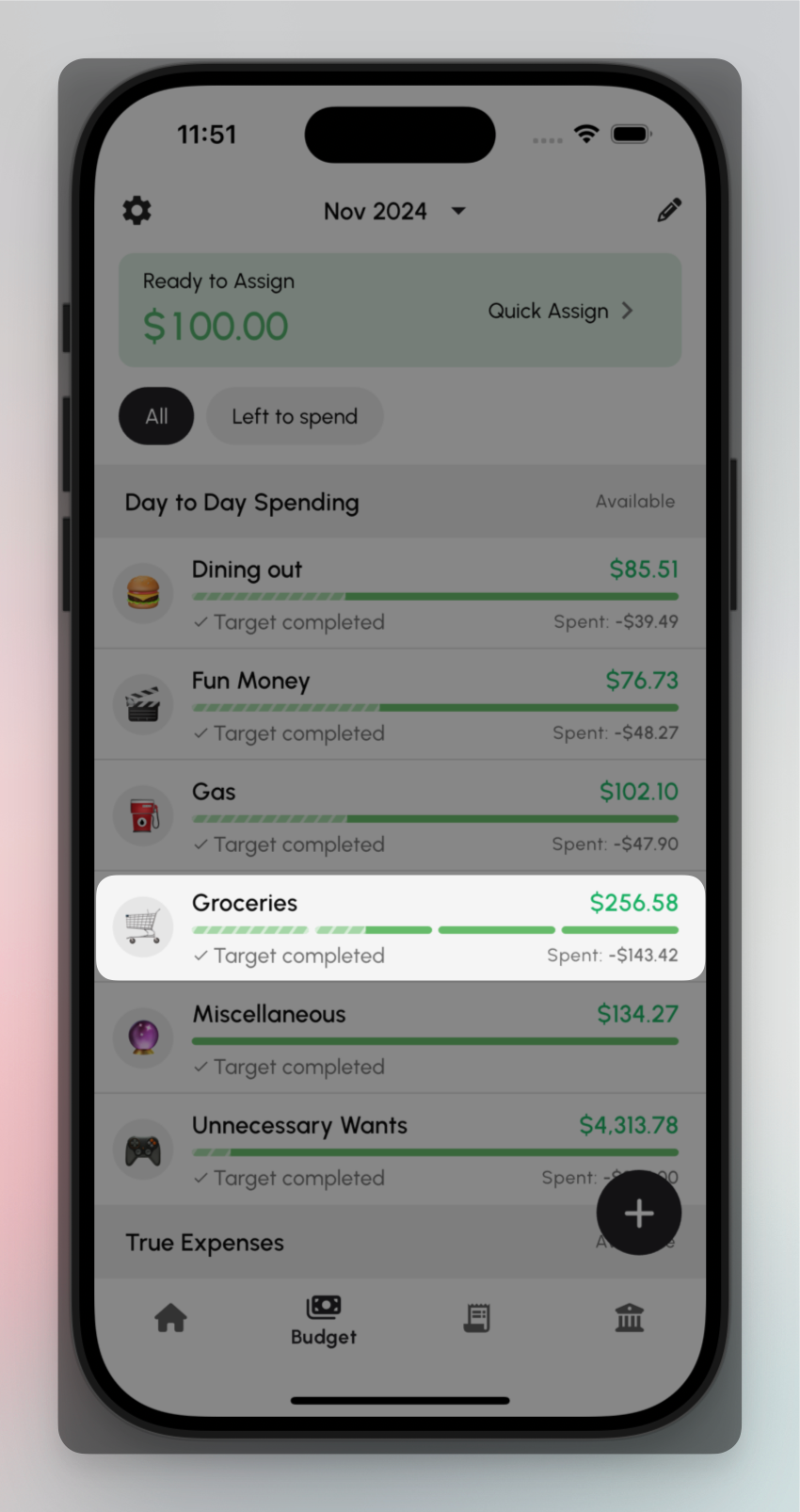
Working on this now. Reworking the way you set targets, adding the ability to set weekly target.
Great idea, yet again. What are some examples of categories you'd like to track weekly? I'm thinking Groceries? Anyway, looking into how we can make this happened ASAP.
Igor yes. In my case, it would be in grocery store and sports.
Uh oh. I introduced a bug! When you assign more money to a category than required, the progress bar displays as if you spent it all. This will get fixed asap in the next update.